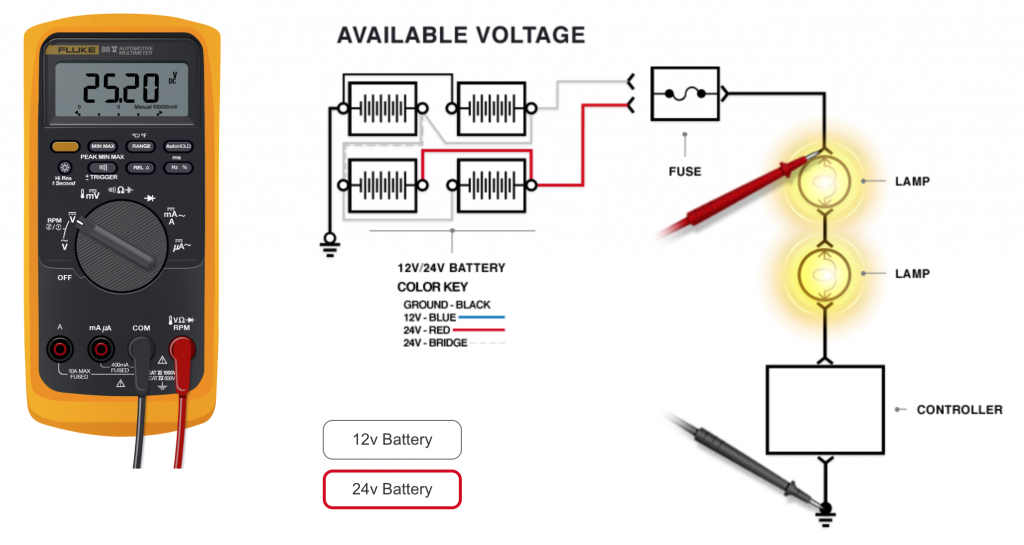
The Digital Volt-Ohm Meter Introduction self-paced online learning course is designed for technicians seeking a better understanding of Digital Volt-Ohm Meter (DVOM) functions and how to apply and use this tool to assist with electrical diagnosis and problem-solving repairs. Our Digital Volt-Ohm Meter (DVOM) Course provides instruction on how to accurately use this important diagnostic tool that is used in every modern vehicle diagnostic workplace.
Click on the graphic to the left to launch the course. The course will launch in a new browser tab.
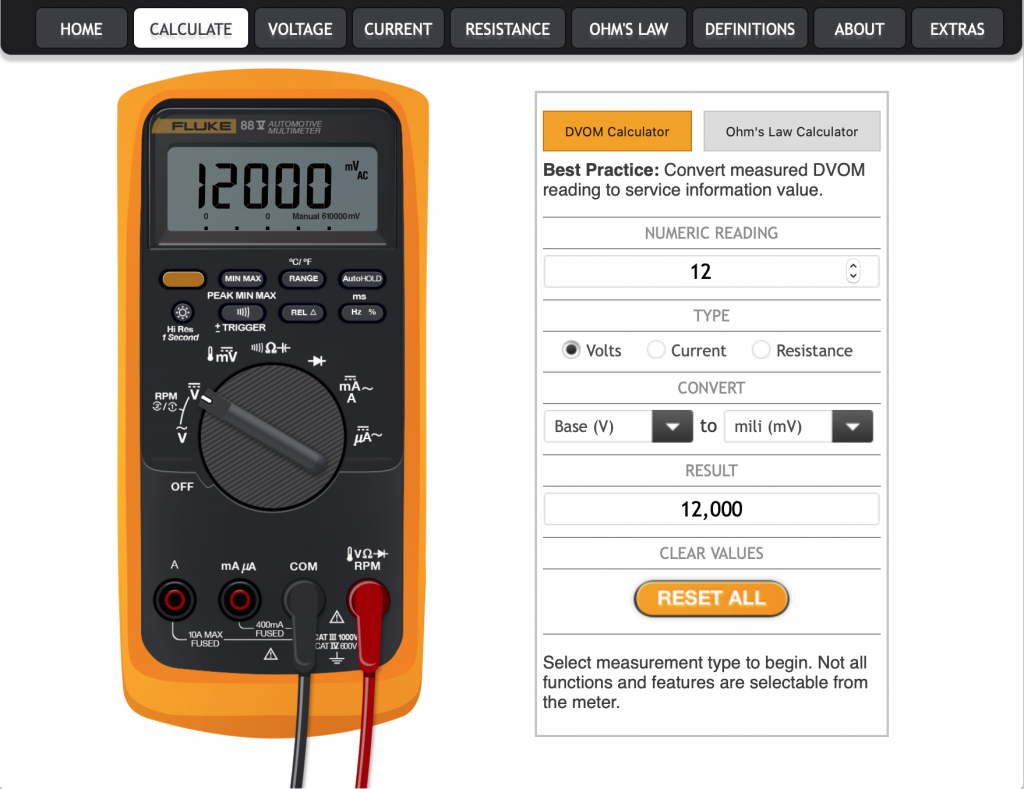
The Digital Volt-Ohm Meter Plus is the ideal performance support tool for those looking to learn and use the Digital Volt-Ohm Meter in real-world situations. Use this product to review the basics of electrical systems and quickly and accurately convert DVOM and DMM readings into specified service information values. The version includes descriptions of the functions and features of the Fluke 88V and the Fluke 87V automotive multimeter, as well as interactive opportunities to test your knowledge.
Click on the graphic to the left to launch the course. The course will launch in a new browser tab.
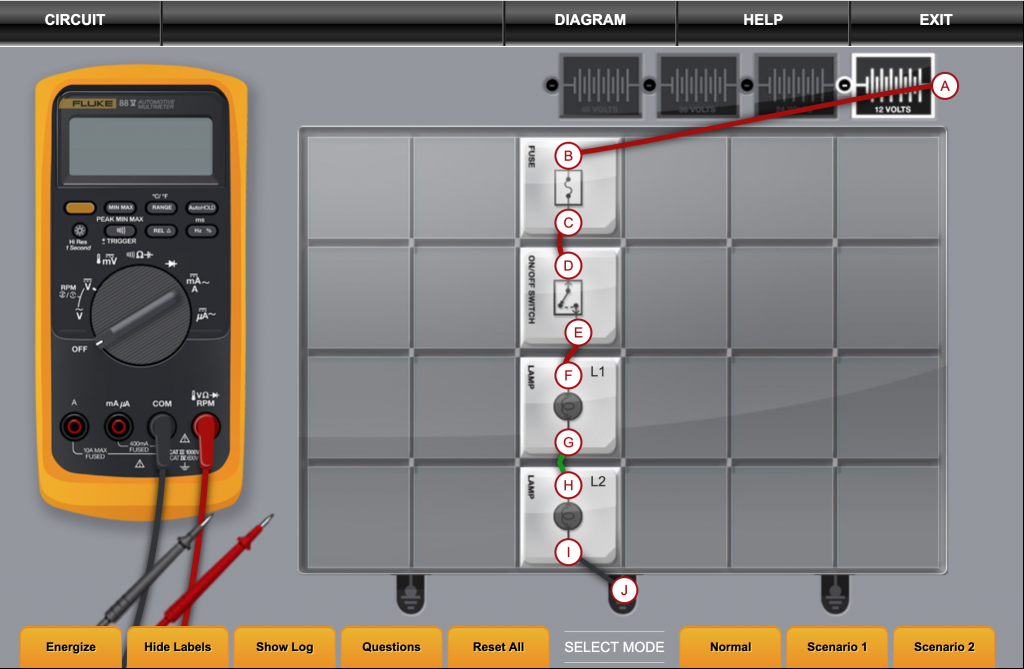
The Basic Circuit Simulator self-paced online learning course is designed to improve a technician’s understanding of basic series, parallel, and series-parallel circuits found in automotive, transit, and light through heavy-duty vehicles. You will work with a virtual Digital Volt-Ohm Meter (DVOM) in a highly interactive simulation to measure voltage, resistance, and amperage of circuits and components in both energized and de-energized states.
Click on the graphic to the left to launch the course. The course will launch in a new browser tab.
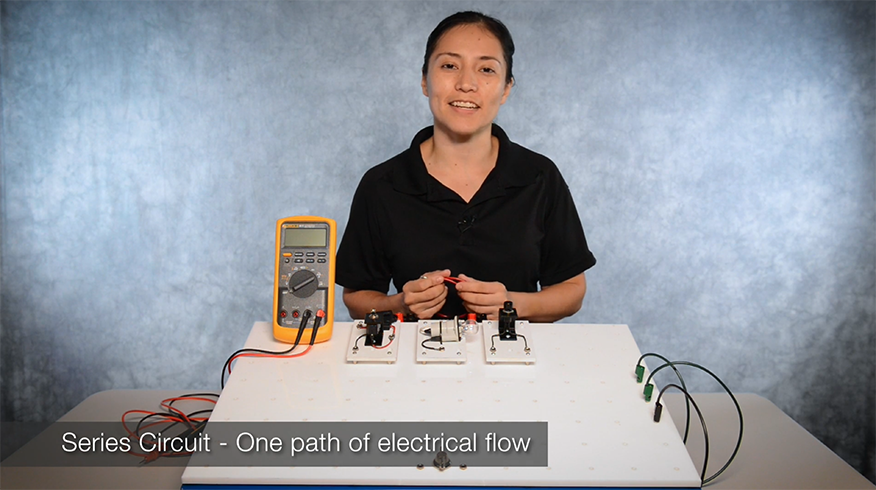
The Simple Series and Parallel Circuits Video describes how voltage, current, and resistance behaves and is measured in both series and parallel simple circuits. Basic circuit malfunctions are also discussed.
Click on the graphic to the left to launch the video. The video will launch in a new browser tab.
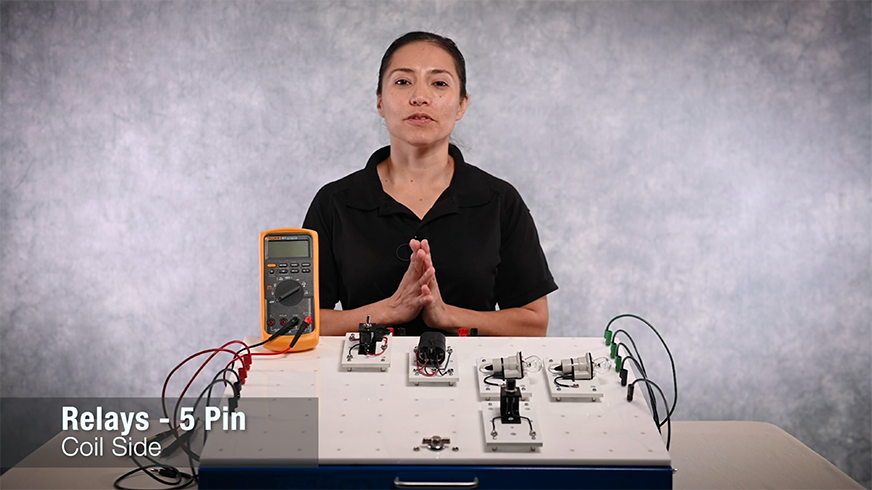
The Relay Operations Video describes relay operations and how current typically flows through two separate paths in the relay. These paths are described as:
- Coil Side
- Switched Side
Click on the graphic to the left to launch the video. The video will launch in a new browser tab.
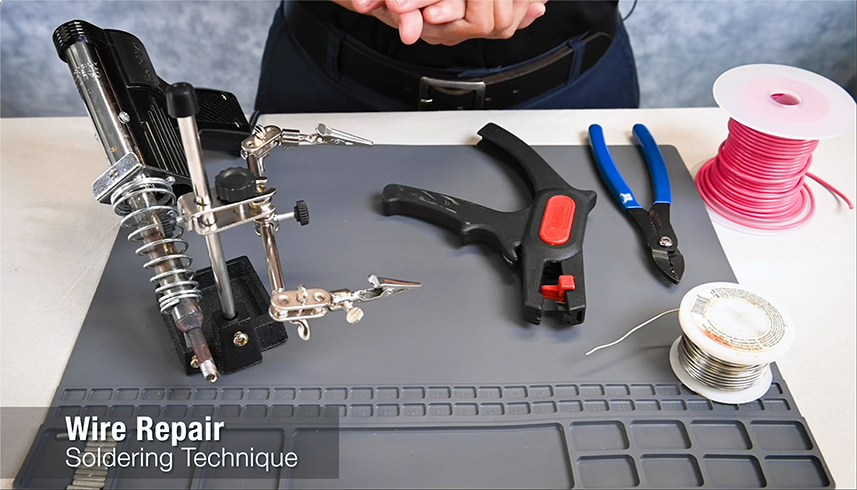
The Soldering Operations Video demonstrates steps to perform wire repairs to reduce costs and replacement of entire harnesses. This demonstration provides guidance on techniques and best practices for soldering.
Click on the graphic to the left to launch the video. The video will launch in a new browser tab.
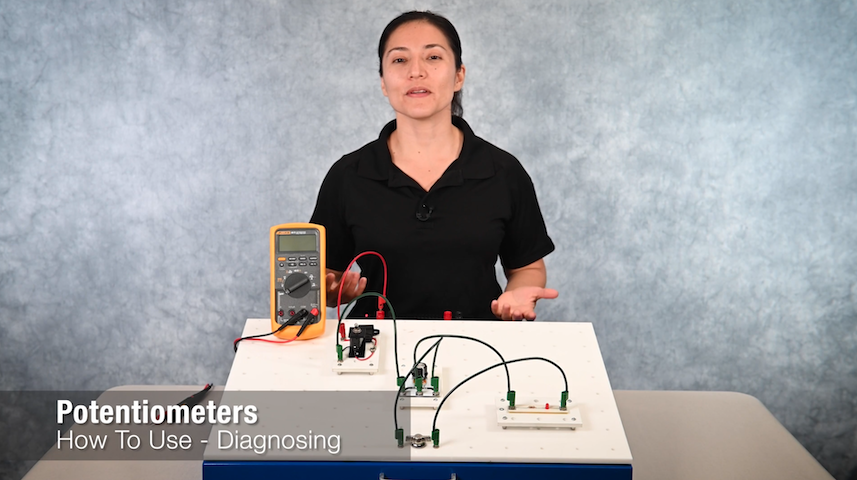
The Potentiometers Operations Video demonstrates the operations and functions of potentiometers. This demonstration provides guidance on diagnosing and troublshooting potentiometers.
Click on the graphic to the left to launch the video. The video will launch in a new browser tab.
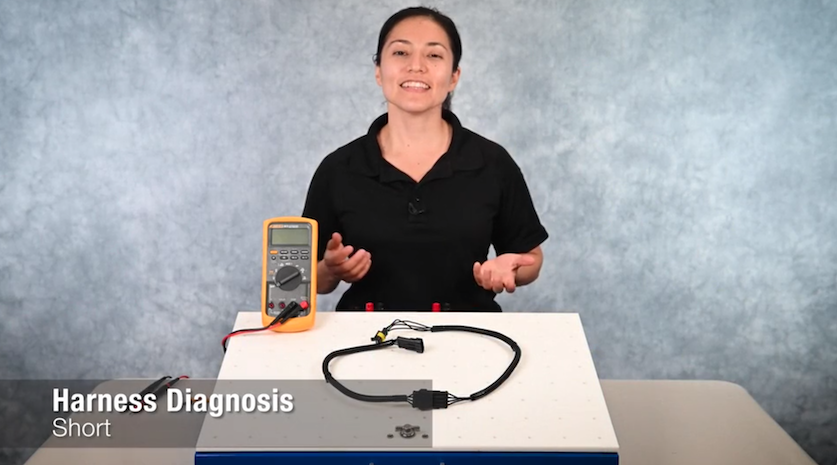
The Harness Diagnosis Video demonstrates steps to perform harness diagnosis. This demonstration provides guidance on techniques and best practices for diagnosis of circuits within the harness.
Click on the graphic to the left to launch the video. The video will launch in a new browser tab.
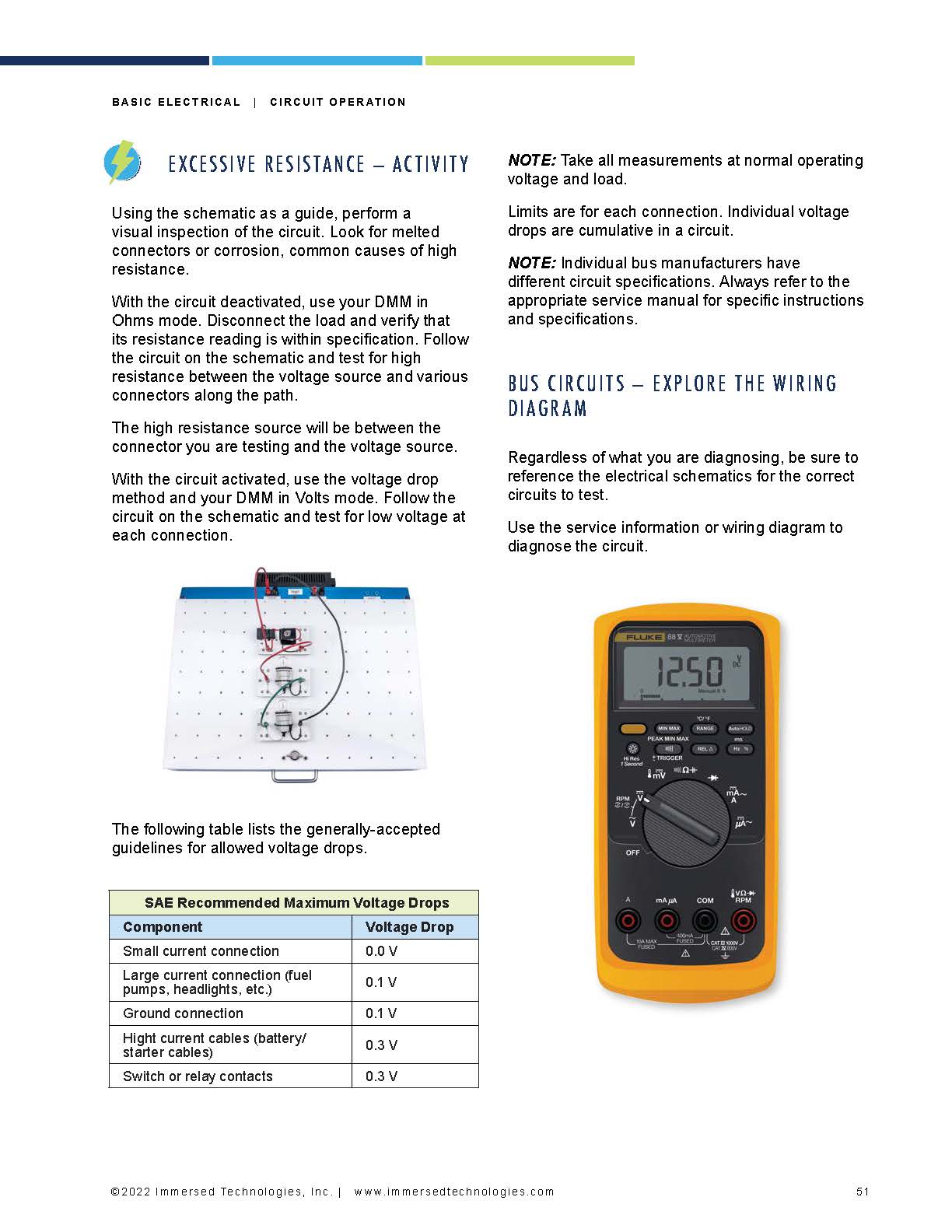
Week 3 - Circuit Operation Student Guide provides the student with information about the different types of circuits and how they operate. Building understanding of circuits includes learning to recognize common problems associated with circuits and how to test them using a digital multimeter (DMM). Diagnosing circuit malfunctions using a DMM is a skill needed to successfully make electrical repairs.
Click on the graphic to the left to open the student guide. The student guide will launch in a new browser tab.
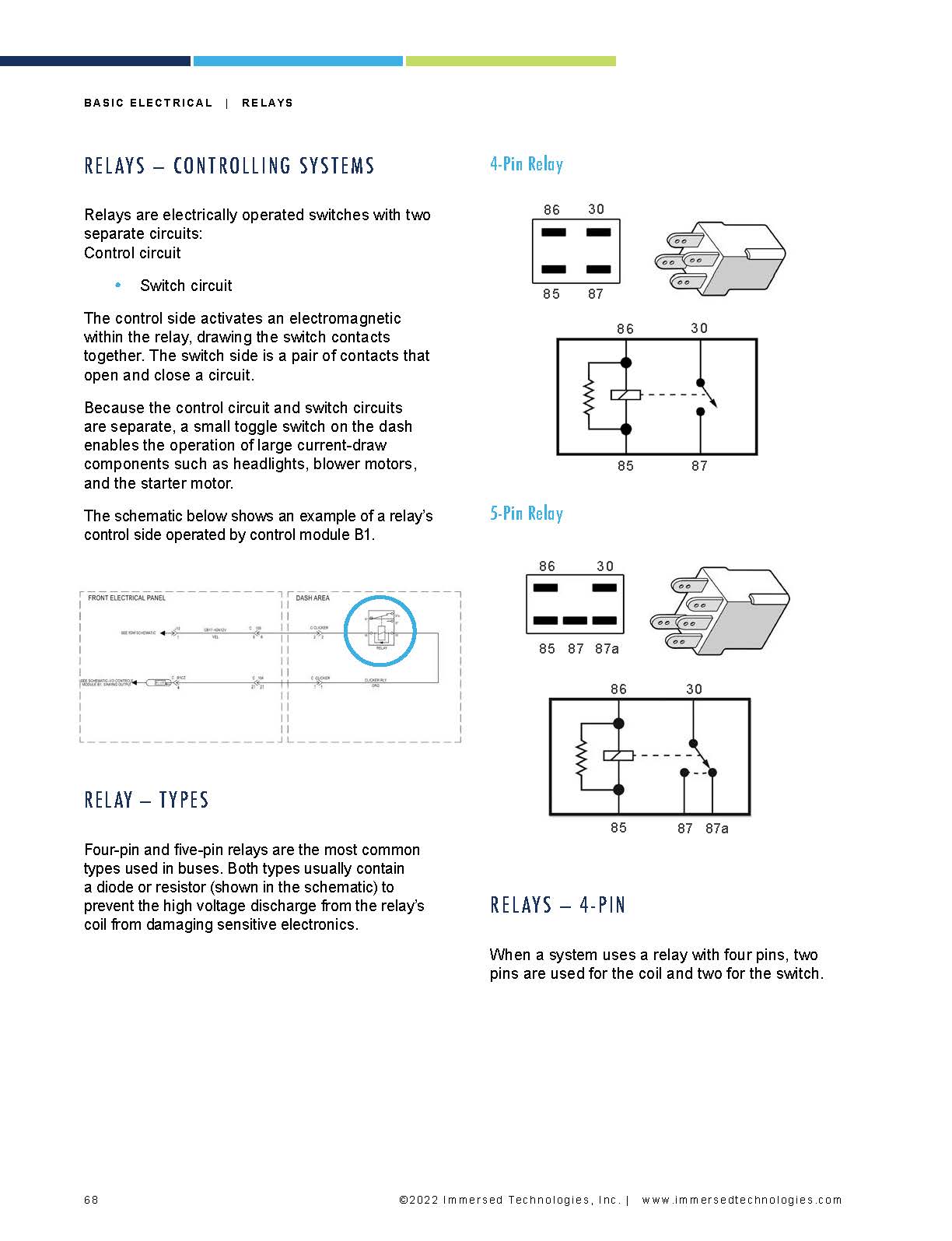
Week 4 - Relays Student Guide provides the student with information about relays and battery testing. These two components are important to the support of other systems on the bus. Without them, we cannot support starting, charging, lighting, and many other systems. We will learn to test the components and how to troubleshoot if the components are not operational.
Click on the graphic to the left to open the student guide. The student guide will launch in a new browser tab.